
Footer and forms
Understand Footer Reveal, newsletter surfaces, popup eligibility, and contact-form behavior.
Use these answers when a Footer or form depends on global appearance, browser preferences, Shopify data, or popup eligibility.
What is the difference between Standard and Reveal Footer?
Standard keeps the Footer in the normal page flow. It is the predictable choice for stores that want the page to end with a conventional Footer.
Reveal creates a more editorial ending: the Footer appears from behind the page as the shopper reaches the bottom. Use it when the Footer is meant to feel like a final visual scene, and check long pages, short pages, forms, and mobile content before publishing.
Visitors who prefer reduced motion or forced colors receive a simpler normal-flow presentation. Footer links, forms, and other content remain available. See Footer for content, blocks, and layout settings.
Does Footer Reveal require background blur?
No. Footer behavior: Reveal can run without global Enable global blur effects. When blur is enabled and supported, it enhances the transition between the page and Footer; when it is disabled or unavailable, Reveal can use its non-blurred transition.
Because background blur also affects Header, menu, drawer, filter, and other layered surfaces, do not enable it solely to solve a Footer issue. Review its complete scope in Appearance and spacing.
Which newsletter surface should I use?

The Newsletter section sits in the page.
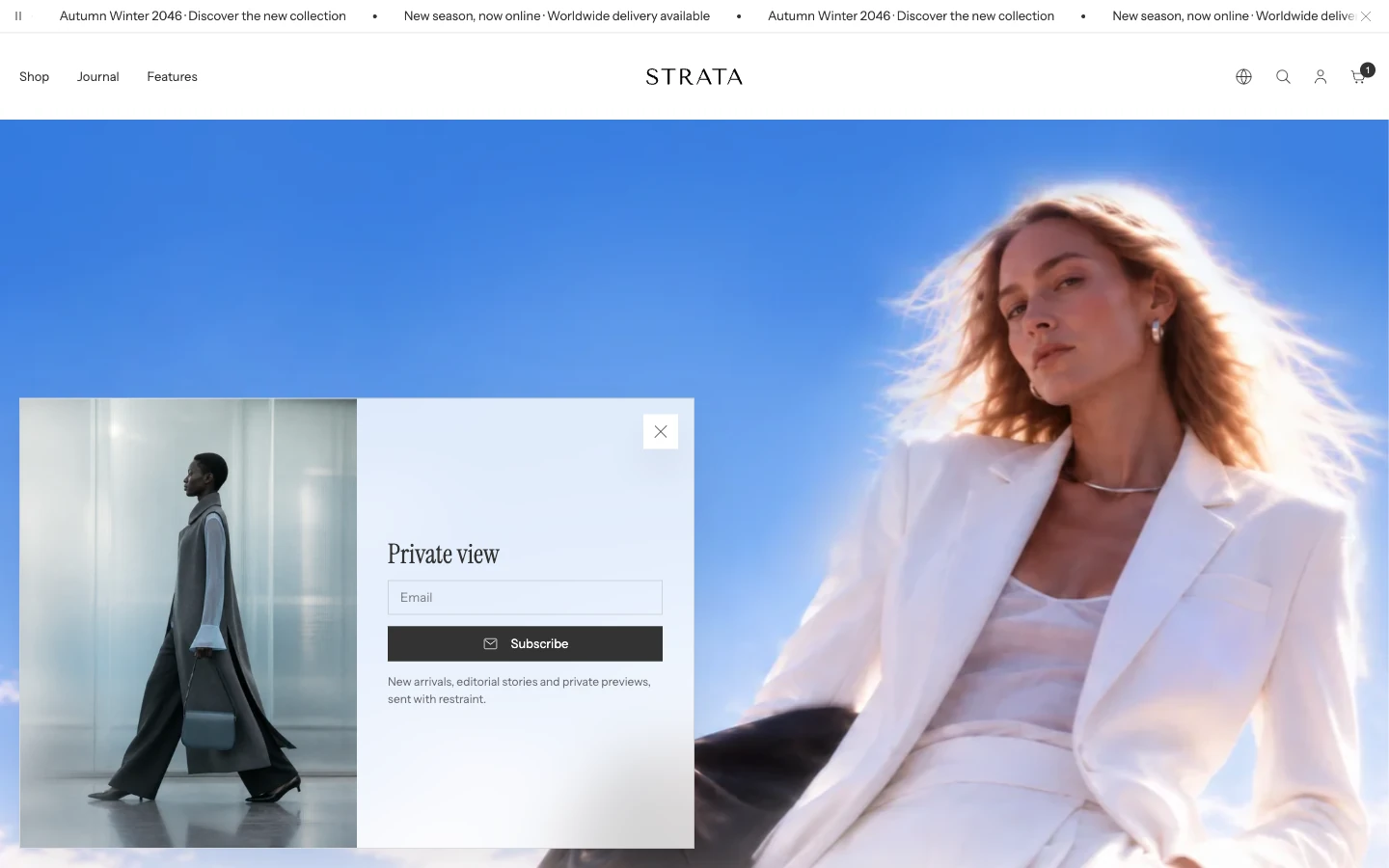
The Newsletter popup appears over the page after a delay.
Strata offers three merchant-facing signup locations:
- Newsletter section for a visible page feature;
- the newsletter area inside Footer for a persistent end-of-page invitation;
- Newsletter popup for a timed overlay.
All three use Shopify's customer newsletter signup. Choose the location based on prominence and interruption, then keep the promise and success message consistent across every newsletter surface you use.
Why did a Newsletter or Message popup not appear?
Check that the popup is present and visible in the Overlay group. A new Strata install includes both popups there but hidden; select the popup and choose Show section to turn it on. Then review Enable only on homepage, Delay until the popup appears, Disable for account holders, and Show once to visitors. A popup also waits while another blocking drawer or modal is open.
For Show once to visitors, the visitor's browser remembers that the popup was shown. It does not wait for a successful newsletter submission or button click. Clearing browser storage or using another browser or device can make the visitor eligible again. Review Newsletter popup or Message popup for the individual controls.
Where does the Contact form send messages?
The Contact form section submits Shopify's native contact form. Email and Message remain the required core fields; optional blocks add supporting fields without changing where Shopify delivers the message.
The destination is managed by the store's Shopify notification and contact configuration, not by a recipient field in Strata. Use the Contact page guide for template placement, and send a non-sensitive test enquiry before publishing.
If the result differs
Check the surface's enable and eligibility settings, Shopify customer or notification configuration, and any saved popup state. For a reproducible submission or transition issue, use Troubleshooting and never include passwords, customer records, or payment information in the report.