
Currency format controls whether Strata displays a currency code, such as USD, alongside a formatted amount. It changes presentation; it does not configure Shopify Markets, exchange rates, or the store currency.
Open Currency format
Open Theme settings > Currency format in the Shopify Theme Editor.
Currency codes
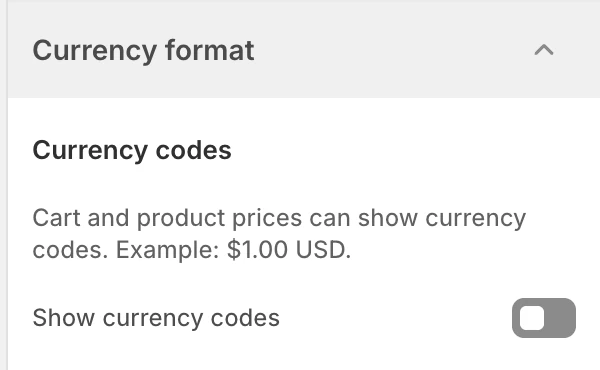
Currency format in Theme settings. Values shown are from the demo store, not defaults.
Show currency codes
The default is Off.
| State | Effect |
|---|---|
| Off | Prices use the store’s normal formatted amount without an additional currency code from this setting. |
| On | Supported prices can include the currency code alongside the formatted amount. |
Use the code when shoppers may compare more than one currency or when the amount needs extra context. Leave it off when the store operates in one clearly understood currency and the additional suffix makes cards or cart rows too long.
What this setting does not change
- It does not set the shop currency.
- It does not configure Shopify Markets or exchange rates.
- It does not convert a price.
- It does not guarantee that every third-party app or custom Liquid output uses the same formatter.
Review before publishing
- Check product cards, product information, cart drawer, cart page, and any collection or search price surfaces used by the store.
- Review long currency codes in narrow product cards and mobile cart rows.
- Confirm that discounts, sale prices, totals, and free-shipping thresholds remain understandable.
- If the store uses multiple markets, verify the final storefront in each market rather than assuming the editor preview represents every currency.
Related guides
- Colors for sale accents and cart surfaces.
- Product card for price presentation in product grids.
- Cart for cart totals and the free-shipping bar.