
Strata supplies a standard Page template plus Contact, FAQ, Lookbook, and Our story variants. Choose the variant from the Theme Editor page selector when the page needs a specific composition; assign the matching template to the page in Shopify when you are ready to publish it.
The standard Page template uses the reusable Page section. On a Page template, that section displays the current page automatically when its Page field is blank. When the same section is added to another compatible template, select the Shopify page that should appear there.
Supplied page templates
- Page: A general content page with a configurable title, content width, alignment, and spacing.
- Contact: A heading, optional image, and configurable contact form.
- FAQ: Categorised question-and-answer groups with expandable answers.
- Lookbook: A campaign page that opens with a Parallax waterfall story, followed by collection cards and featured products. See Lookbook.
- Our story: An editorial brand-story page. See Our story below.
Our story
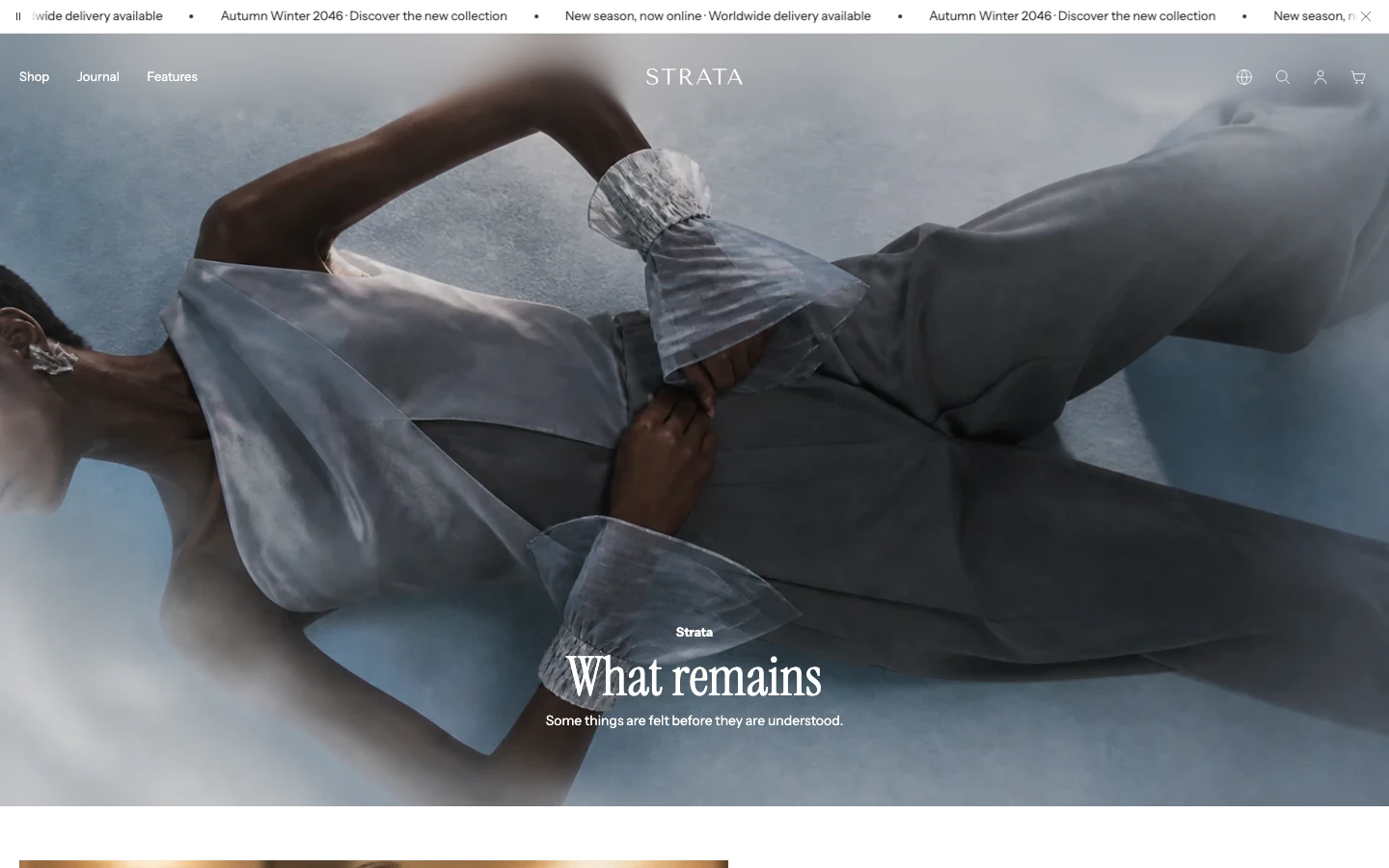
The opening of the Our story template.
Our story is built only from standard sections, so each one follows its own guide. The supplied template arranges them in this order:
- Page (hidden), which holds the Shopify page's title and body;
- Media hero for the opening image;
- Multiple images with text for story chapters;
- a second Media hero as a visual pause;
- Image with text for the brand statement;
- Multicolumn text for short supporting notes;
- Auto-scroll gallery as a closing gallery.
Replace the example media and copy with your own story, and remove sections the story does not need. Show the hidden Page section again only when the page's own title and body should appear. Keep one Use as page heading (H1) on the page.
Assign a page template
Shopify admin lists templates from the published theme. In a draft theme, select the template in the Theme Editor and use Preview > Change to preview it with a page without changing its assignment.
Once the template is available in the published theme:
- Open the page in Shopify admin.
- In the Theme template selector, choose the Strata page template.
- Open Edit theme and use the page selector to preview the assigned page.
- Edit the template's sections, save, and preview the page at desktop and mobile sizes.
Templates share their section structure. A change made to a template affects every page assigned to it; create a separate template when one page needs a different structure.
Configure the standard Page template
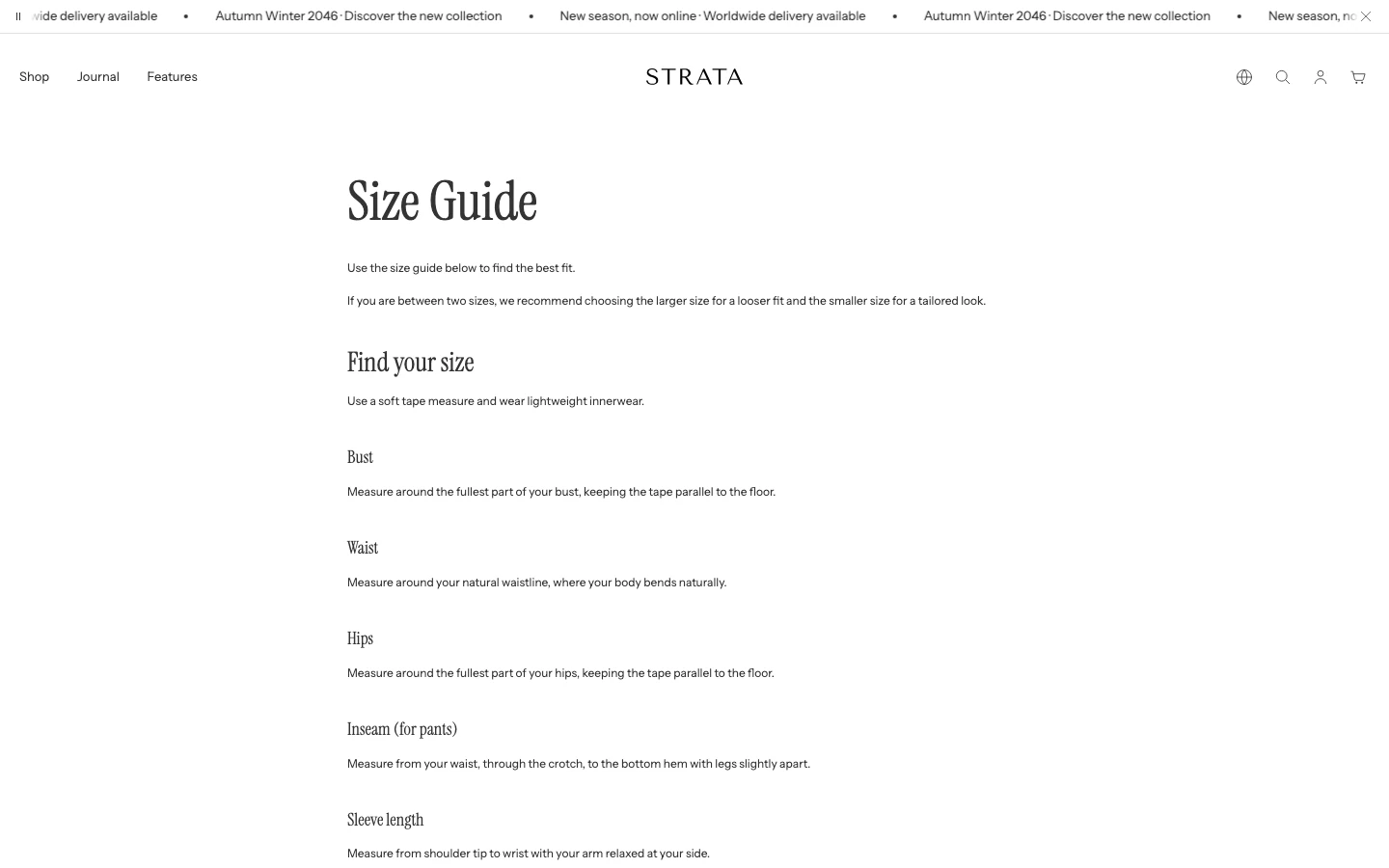
The standard Page template shows the page title and content from the Shopify admin.
Select the Page section to control whether the page title appears, how it is aligned, how wide the body content can be, and how much space surrounds the section. Keep the section's Page field blank when the template should display whichever Shopify page the visitor opened.
Select a specific Page only when the section should always reuse that page's content. See the Page section guide for the complete setting order and reuse logic.