
The FAQ template groups common questions into expandable answers so customers can scan topics without leaving the page. Use it for shipping, product care, ordering, and other repeat questions that need a structured destination.
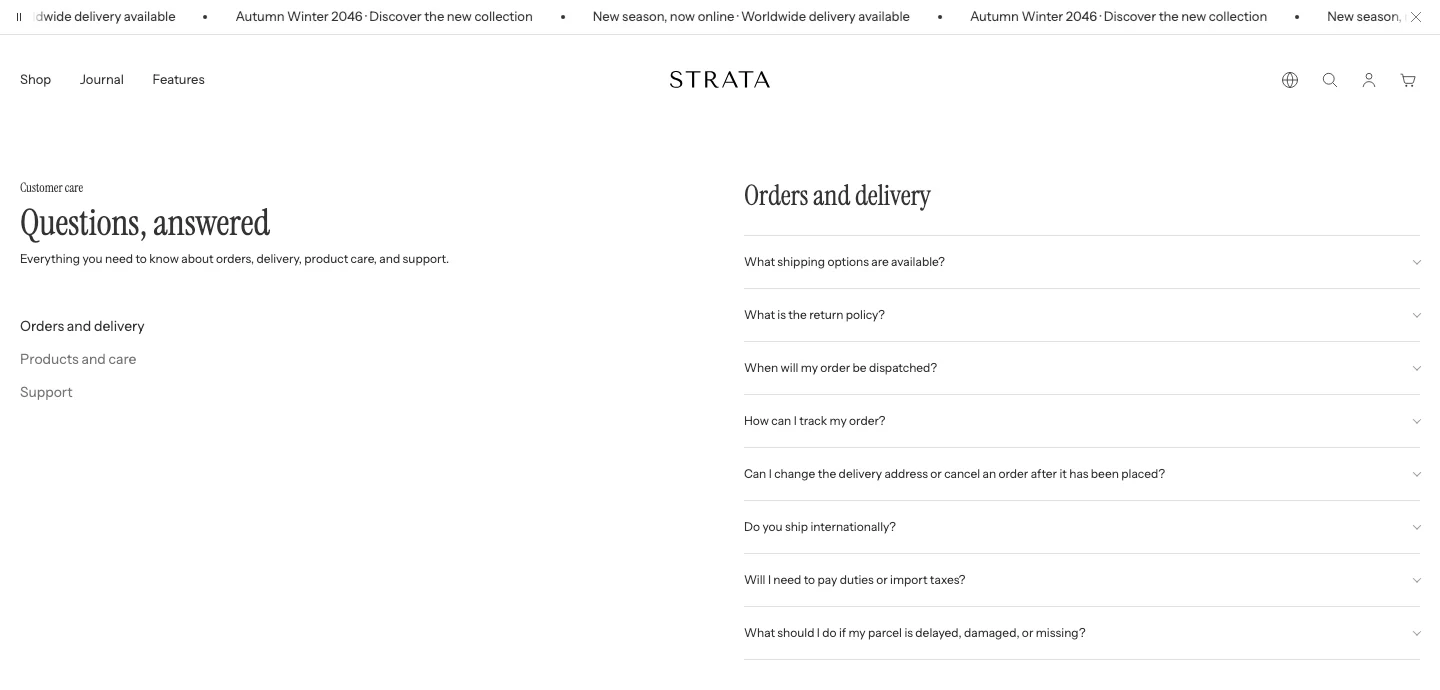
The FAQ template on desktop.
Open the FAQ template
- From Shopify admin, go to Online Store > Themes > Edit theme.
- Use the page selector to open the page using the FAQ template.
- Select the FAQ section.
- Review both a multi-group FAQ and a single-group FAQ before saving.
The FAQ section supports up to 12 FAQ group blocks, with question items nested inside each group.
Content
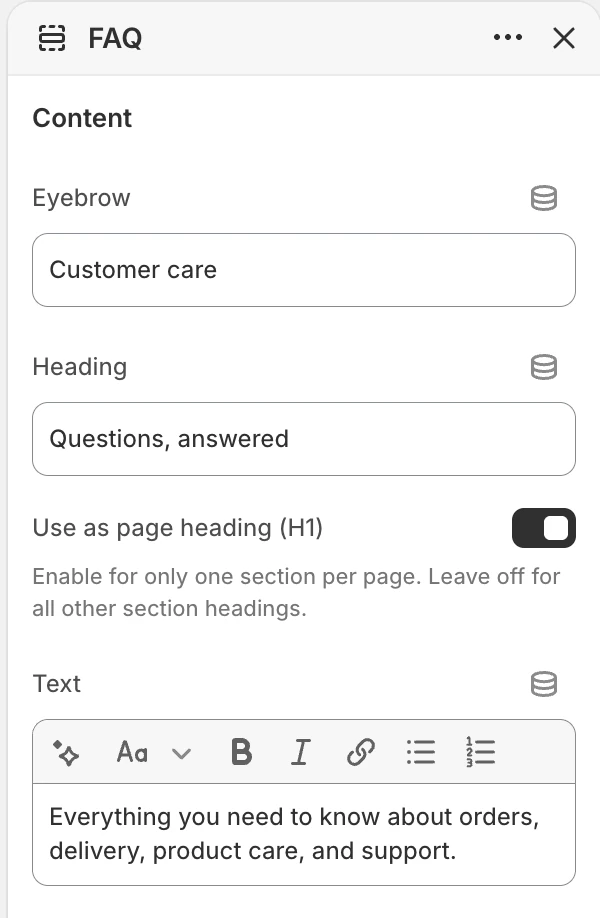
The Content group in the Theme Editor. The values shown are examples, not defaults.
Eyebrow
- Controls: Optional short label above the FAQ heading.
Heading
- Controls: Main FAQ heading. The default is
Frequently asked questions.
Use as page heading (H1)
- Controls: Makes this Heading the main title of the page. Turn it on in one section only. The default is off.
Text
- Controls: Supporting rich text below the heading.
Layout
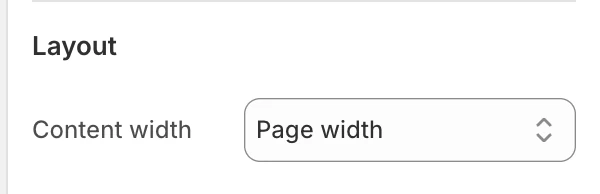
The Layout group in the Theme Editor.
Content width
- Controls: Sets the width of the FAQ content area.
- Options:
Narrow,Medium, orPage width. The default isMedium.
Colors
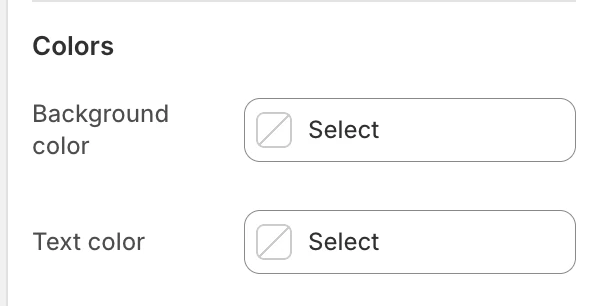
The Colors group in the Theme Editor.
Background color
- Controls: Sets the FAQ surface color.
Text color
- Controls: Sets the primary FAQ text color.
Check the pair together rather than judging either color in isolation.
Spacing
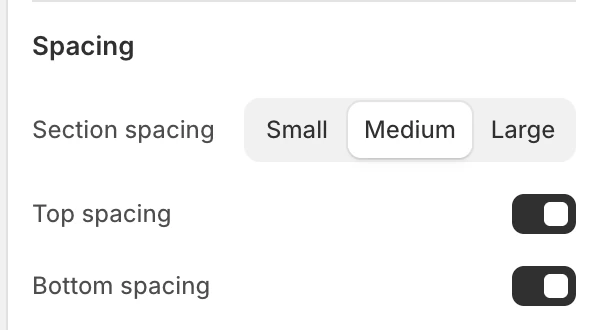
The Spacing group in the Theme Editor.
Section spacing
- Controls: Sets the FAQ section spacing to
Small,Medium, orLarge. The default isMedium.
Top spacing
- Controls: Adds or removes top spacing. The default is on.
Bottom spacing
- Controls: Adds or removes bottom spacing. The default is on.
Blocks
FAQ group
Groups organise related questions. The FAQ section allows up to 12 groups.
- Group heading: The category heading shown above the group's questions. The default is
General questions. - FAQ drawer blocks: Add question items inside the group.
FAQ drawer
Each group can contain question items.
- Question: The visible question heading. The default is
Question. - Answer: Rich text shown when the question is opened. Replace the starter answer with the information shoppers need.
- Open by default: Opens the answer initially. The default is off.
Keep one question per drawer and use group headings that describe a topic rather than repeating the question text.
Desktop and mobile behavior
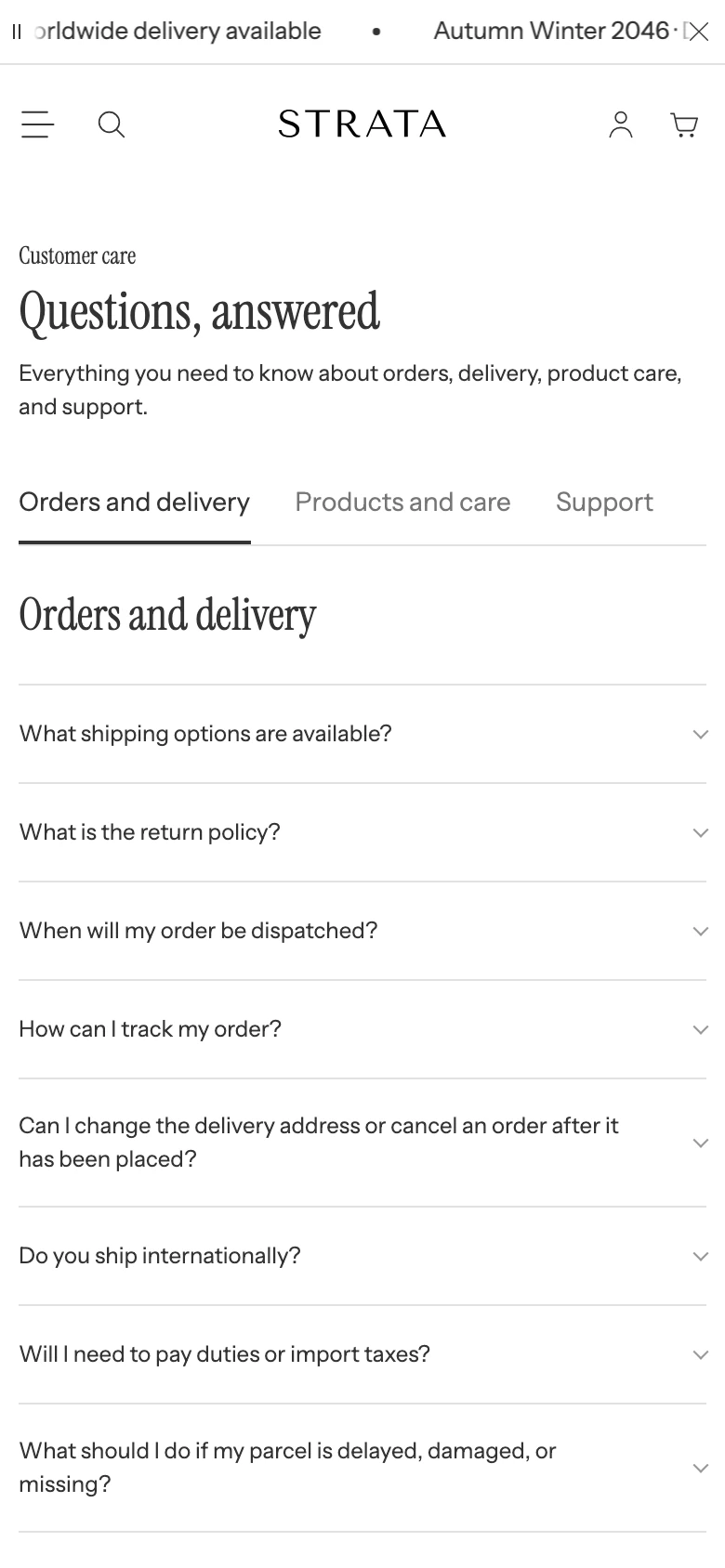
The FAQ template on mobile.
The FAQ section uses a grouped layout when multiple groups are present and a single-group layout when there is one group. On mobile, category navigation can become horizontally scrollable. Before publishing, review:
- group selection and active state;
- question opening and closing;
- keyboard focus and focus visibility;
- long answers, links, and rich text wrapping;
- the single-group and multi-group layouts at desktop and mobile widths.
Media recommendations
The FAQ section has no media setting. Keep answers self-contained and link to a related guide when an image or video is genuinely required.
Accessibility and motion
Use descriptive group and question headings. Verify that every question can be opened by keyboard, that the expanded state is announced correctly, and that focus remains visible. Check animated disclosure transitions with reduced motion before publishing.
Common checks
- If category navigation is absent, confirm that more than one FAQ group exists and that the page is using the FAQ template.
- If an answer is not visible initially, review Open by default for that FAQ drawer.
- If a question appears under the wrong category, reorder the nested FAQ drawer block within its FAQ group.