
Social links controls the public profile URLs that Strata can render as social icons below the footer newsletter form. Add only profiles the store wants shoppers to visit.
Open Social links
Open Theme settings > Social links. Strata provides one URL field for each supported service.
Supported URLs
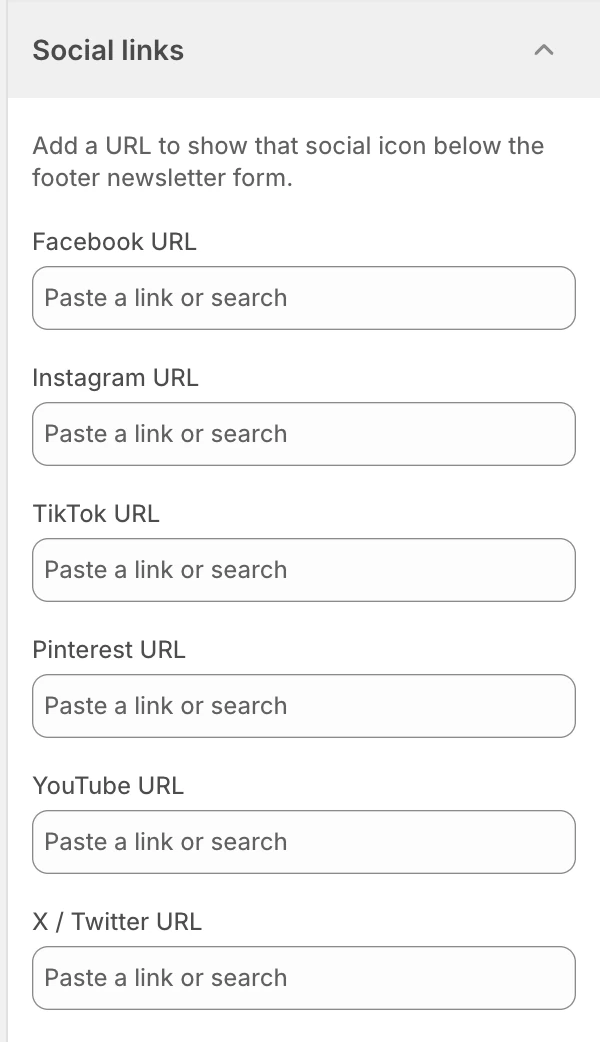
Social links in Theme settings. Values shown are from the demo store, not defaults.
- Facebook URL
- Instagram URL
- TikTok URL
- Pinterest URL
- YouTube URL
- X / Twitter URL
Enter the full public profile URL, not a private dashboard, campaign URL containing secrets, or a URL that requires the shopper to be signed in.
Showing and hiding an icon
The Footer social group appears when at least one supported URL is present in this Theme settings group. Adding a URL makes that service eligible for the Footer; it does not create a profile or verify that the destination exists. Clear the matching field to hide that service, then preview the Footer to confirm the remaining icons and spacing.
Review before publishing
- Open every icon and confirm it reaches the intended public profile.
- Check the footer at mobile width; icon labels and hit areas must remain usable.
- Remove old or personal profiles before publishing a client-facing store.
- Review the social group with the newsletter form and footer colors, including keyboard focus states.
Treat profile URLs as public content. Never paste passwords, private tokens, admin URLs, or other credentials into a social-link field.
Related guides
- Colors for footer surfaces and text.
- Logo and favicon for the store identity used alongside the footer.
- Footer for section-level footer behavior and layout.