
Sections are the configurable content areas inside a Shopify template. Add, reorder, hide, or remove them in the Theme Editor without changing theme code.
Add a section
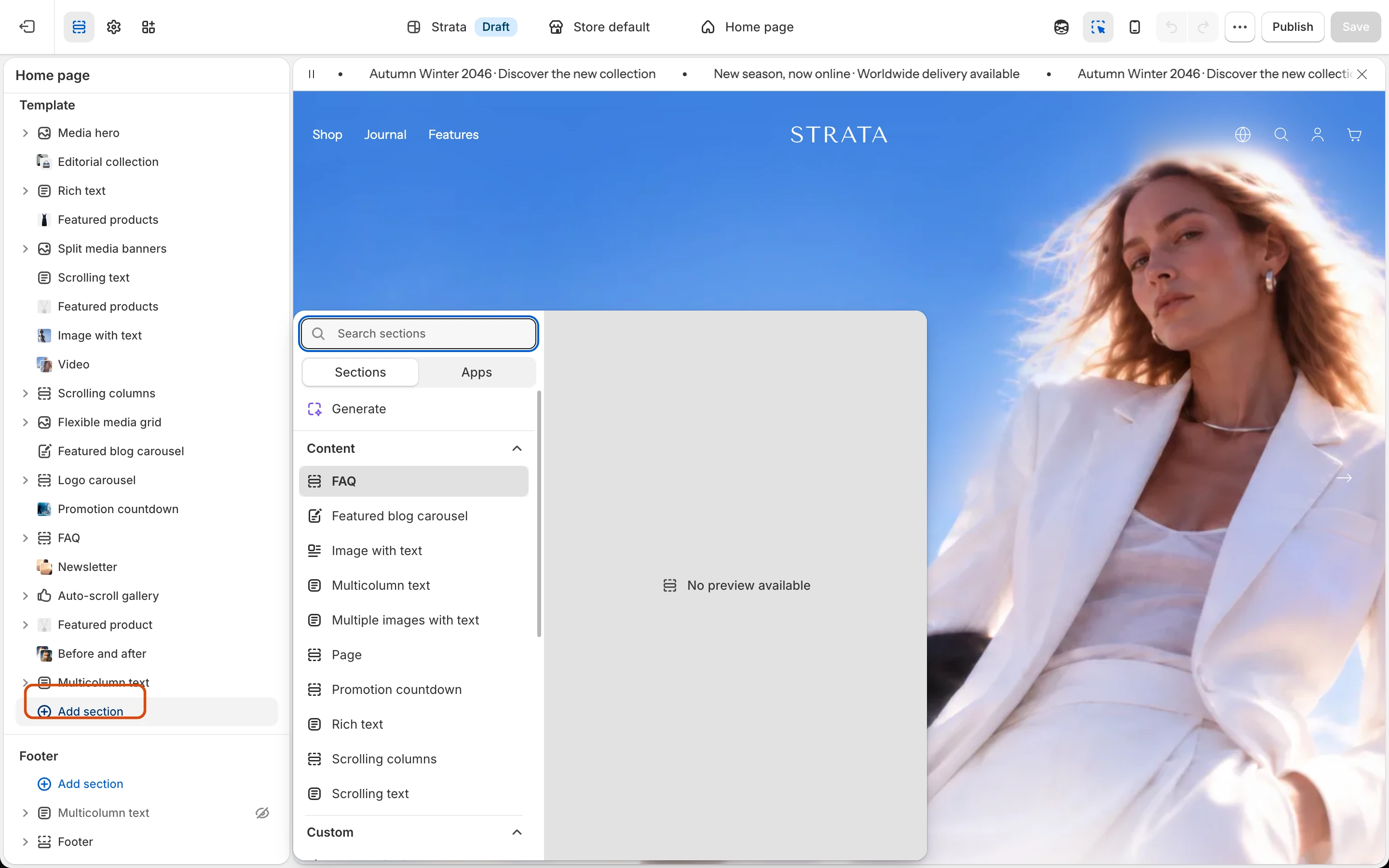
Select Add section under a group, then choose a section.
Before using a section
Fixed Theme Editor areas
These areas belong to global section groups rather than the normal Add section catalog.
Collections grid belongs to the Collection list template and is not an addable section.
Addable sections
Use these categories to find the section that matches the content you want to create.
Pickup availability is part of the Product page rather than a standalone section. Group and Text are reusable Theme blocks rather than standalone sections.