
Header, navigation and overlays
Understand transparent Header conditions, logo choices, menu behavior, and overlay priority.
Use these answers when a Header, menu, drawer, or popup depends on controls in more than one part of the Theme Editor.
Why is the Header not transparent?
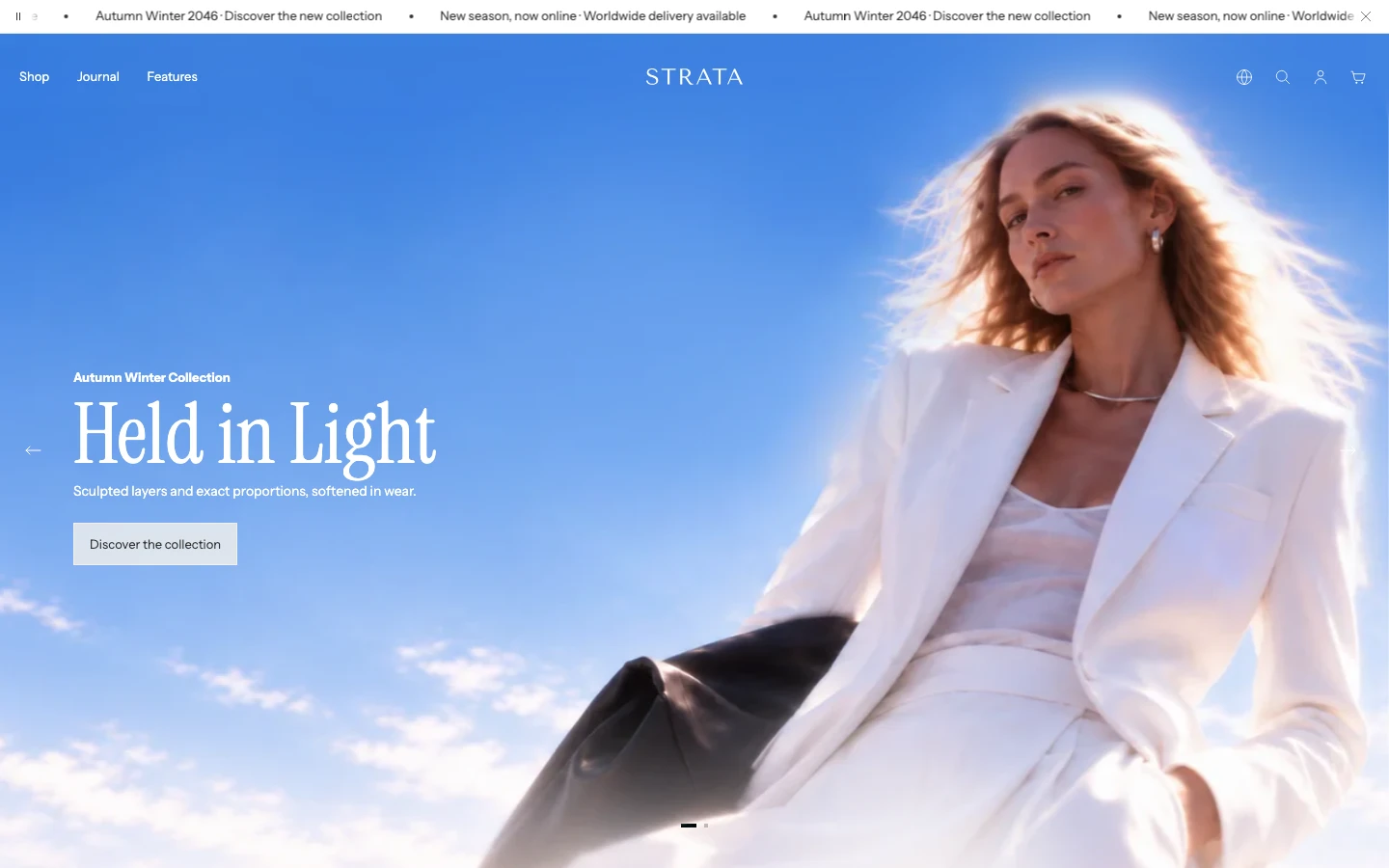
A transparent Header needs an eligible first section, such as a Media hero, that allows it.
Transparent Header is a two-part decision:
- Turn on Header > Enable transparent header.
- Keep the first supported template surface eligible for a transparent Header.
The supported opening surfaces are:
- Media hero or slideshow
- Split media banners
- Video
- Collection banner
- the Product template's Fullscreen horizontal and Fullscreen vertical media layouts
The opening surface must also have the required media and its own transparent-Header control enabled where that control is exposed. The Product template's Fullscreen layouts opt in through the layout choice rather than a separate local toggle. If the Header or opening-surface requirement is unavailable, Strata keeps the Header in its normal solid presentation. See Header for the complete Header setting order.
Which logo appears in the Header?
Logo and favicon provides the global Dark logo and Light logo. The Header then chooses separately which global logo to use in its normal state and over a transparent surface.
- Use the Dark logo when the surrounding background is light.
- Use the Light logo when the surrounding background is dark or transparent.
If the selected logo is unavailable, Strata uses the other available global logo. Upload both at matching proportions so the Header does not visibly change size as its background changes.
Should dropdowns open on Hover or Click?
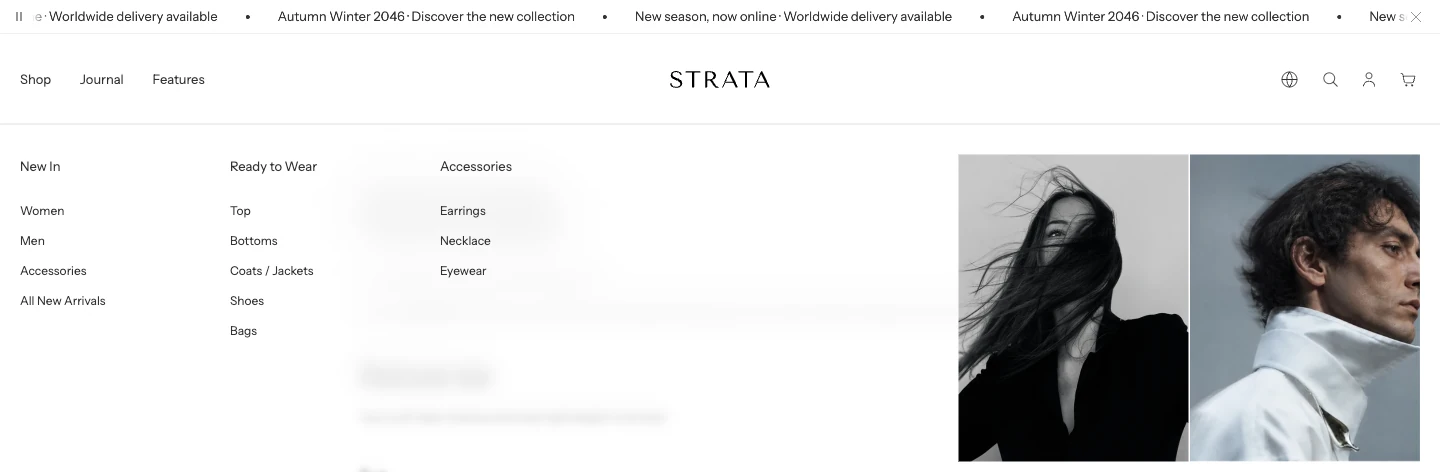
A mega menu. Open dropdown items on sets whether it opens on hover or on click.
Use Hover when desktop shoppers should move quickly through a conventional navigation menu. Use Click when deliberate open and close actions are more important. Touch devices use the Click path even when Hover is selected.
In Click mode, a top-level item that owns a dropdown opens or closes that dropdown; it is not also used as a destination link. A mega menu must target the exact label of a top-level menu item. If the labels differ, the normal menu presentation remains instead. Configure both in Header.
When do Drawer banners appear?
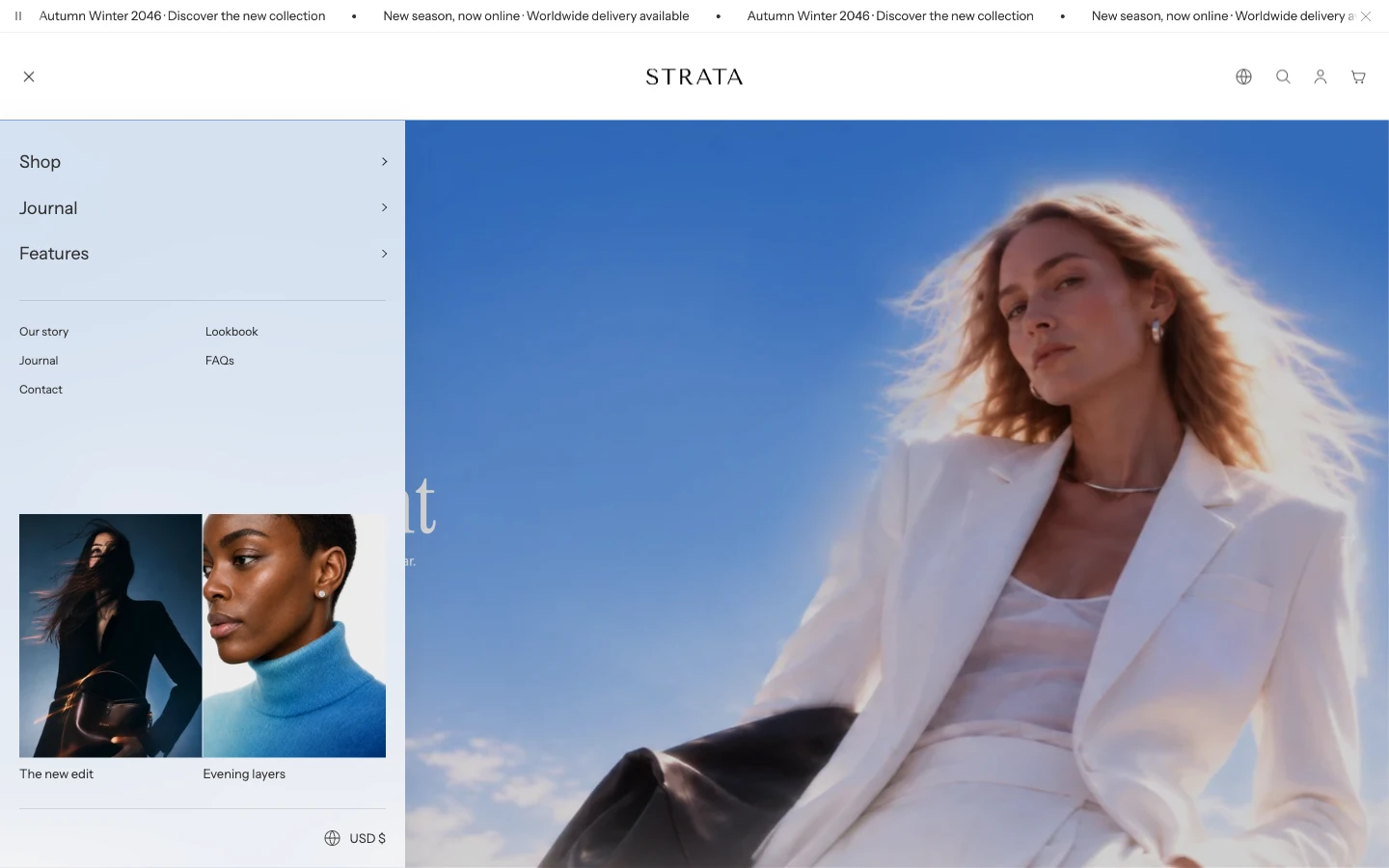
Drawer banners appear at the bottom of the Header drawer.
The two Drawer banners belong to the shared Header drawer. Mobile uses that drawer automatically. Desktop shows the same banners when Header Layout is Drawer. Each banner needs an image before it renders; its label and link are optional.
They are independent of mega-menu promotional content and do not appear in Inline navigation or Navigation below logo. Use a Header Mega menu block when the promotion belongs to a specific menu item. Its First promo and Second promo images appear in the desktop mega menu and its matching drawer submenu.
Why did opening one drawer close another?
Strata keeps one blocking overlay active at a time so focus and page scrolling have one clear owner. Opening Search, Cart, mobile navigation, product quick view, localization, or another modal can close the currently open blocking surface.
Automatic Newsletter and Message popups wait while another overlay is active. When the blocking surface closes, the first queued popup that is still eligible can open. Review the Overlay group for each surface's own controls.
Why does a closed Announcement bar stay hidden?
Closing the Announcement bar stores the dismissed state for that section in the current browser tab's session. Reloading the same tab can therefore keep it hidden. The dismissal is not an account preference and is not intended to persist as a permanent store-wide choice after the session ends.
Why does a long mobile announcement move or wrap?
For Slide and Fade, Strata measures whether a single-line mobile message fits the real available width. A long overflowing message moves across once before the bar advances; a short message simply waits for Change interval. With reduced motion, the long message wraps instead of running that overflow sequence. Marquee remains its own continuous animation mode. See Announcement bar for timing and content guidance.
If the result differs
First confirm the relevant global and local controls, then test the same page without another drawer or popup open. Use Troubleshooting for a reproducible issue rather than changing several unrelated Header settings at once.