
Password
Brand the password-protected storefront with responsive media, colors, access, and email signup.
The Password template is the full-screen landing page shown while storefront password protection is enabled. It combines store branding, an optional background image, the password-entry form, and an optional Shopify email-signup form.
The main password message comes from Shopify’s storefront password settings. It is not edited inside the Strata section.
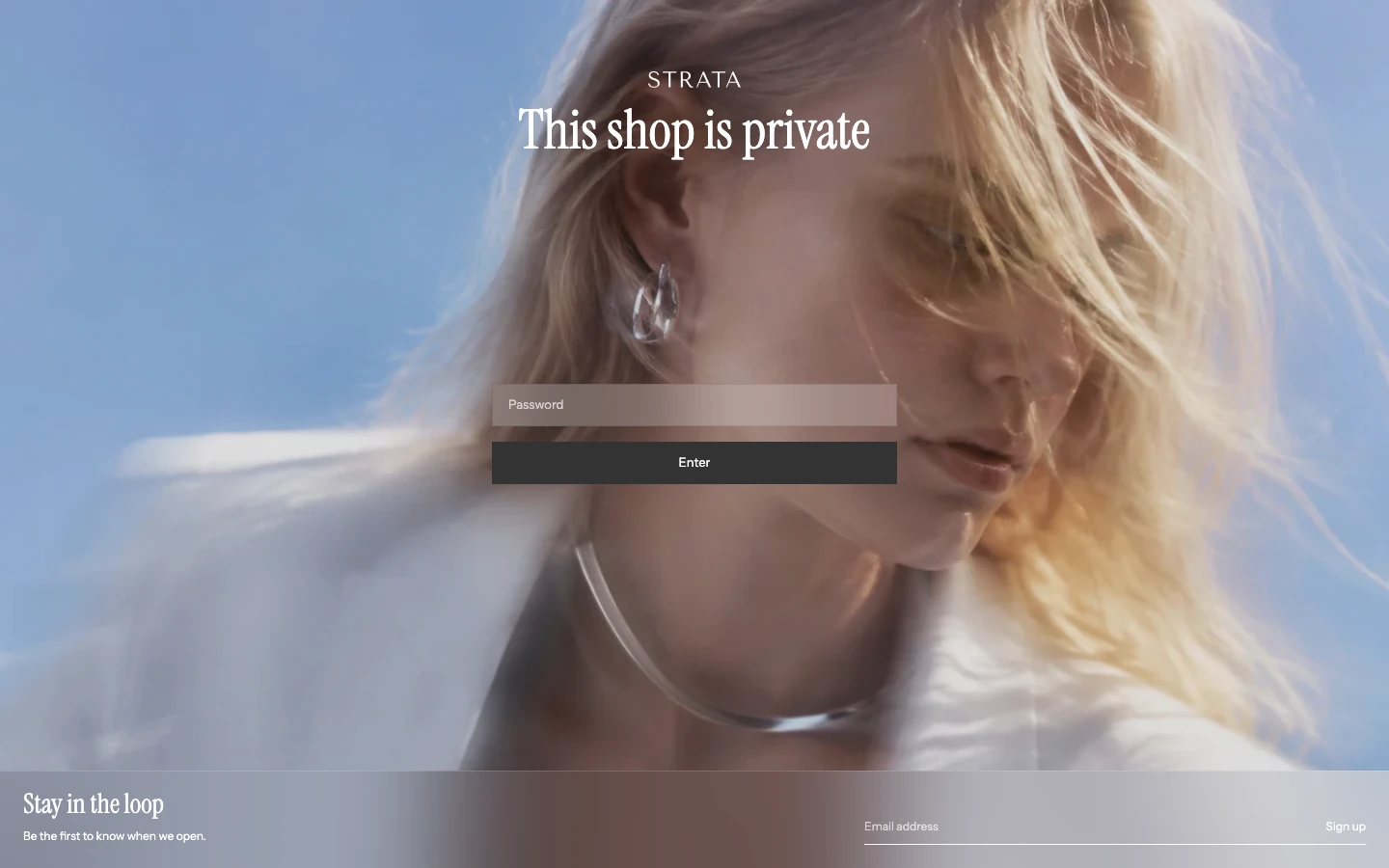
The Password template on desktop.
Branding
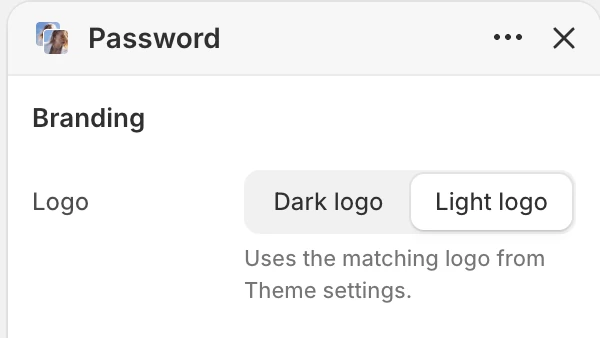
The Branding group in the Theme Editor. The values shown are examples, not defaults.
Check the chosen logo against both the background image and the fallback background color.
Media
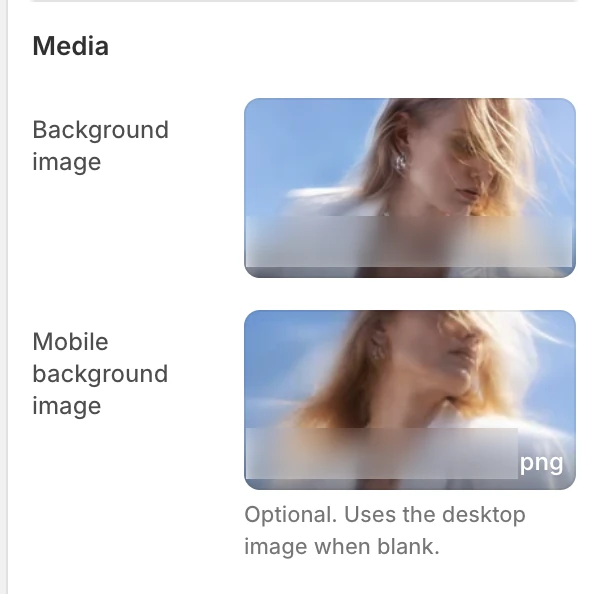
The Media group in the Theme Editor.
The background image is decorative; essential launch information belongs in the password message and email-signup copy. Set useful focal points on both selected images and verify that text remains readable at desktop and mobile sizes.
Email signup
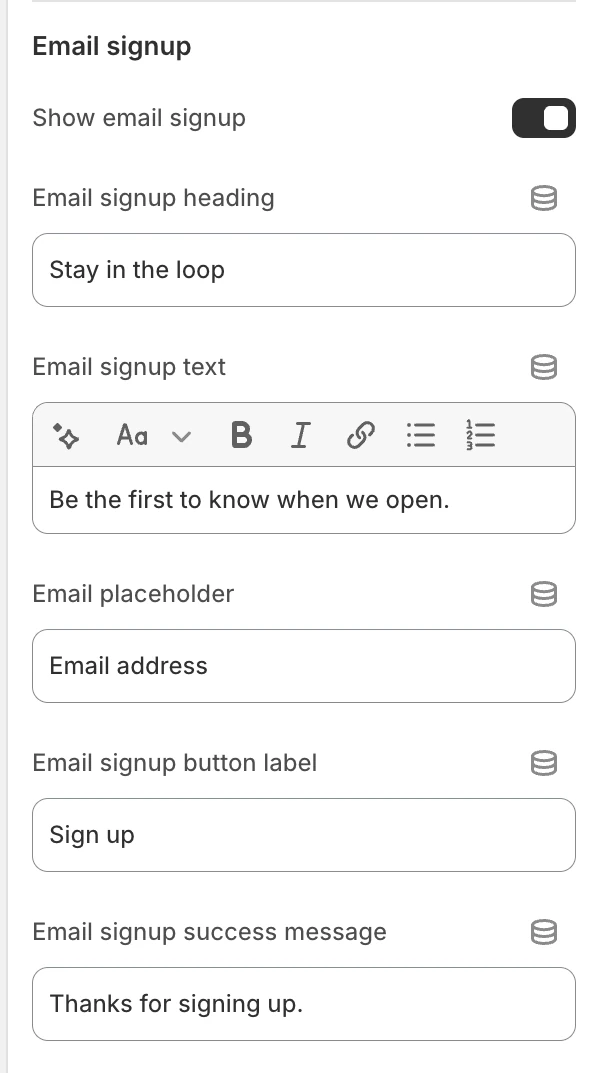
The Email signup group in the Theme Editor.
The email-signup fields appear only while Show email signup is enabled.
Never publish or share a real storefront password. Use non-sensitive test data for the email form and remove test contacts according to the store’s data-handling process.
Colors
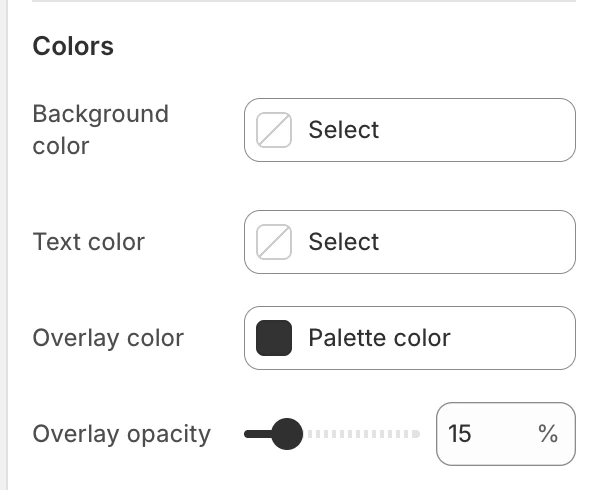
The Colors group in the Theme Editor.
Storefront states
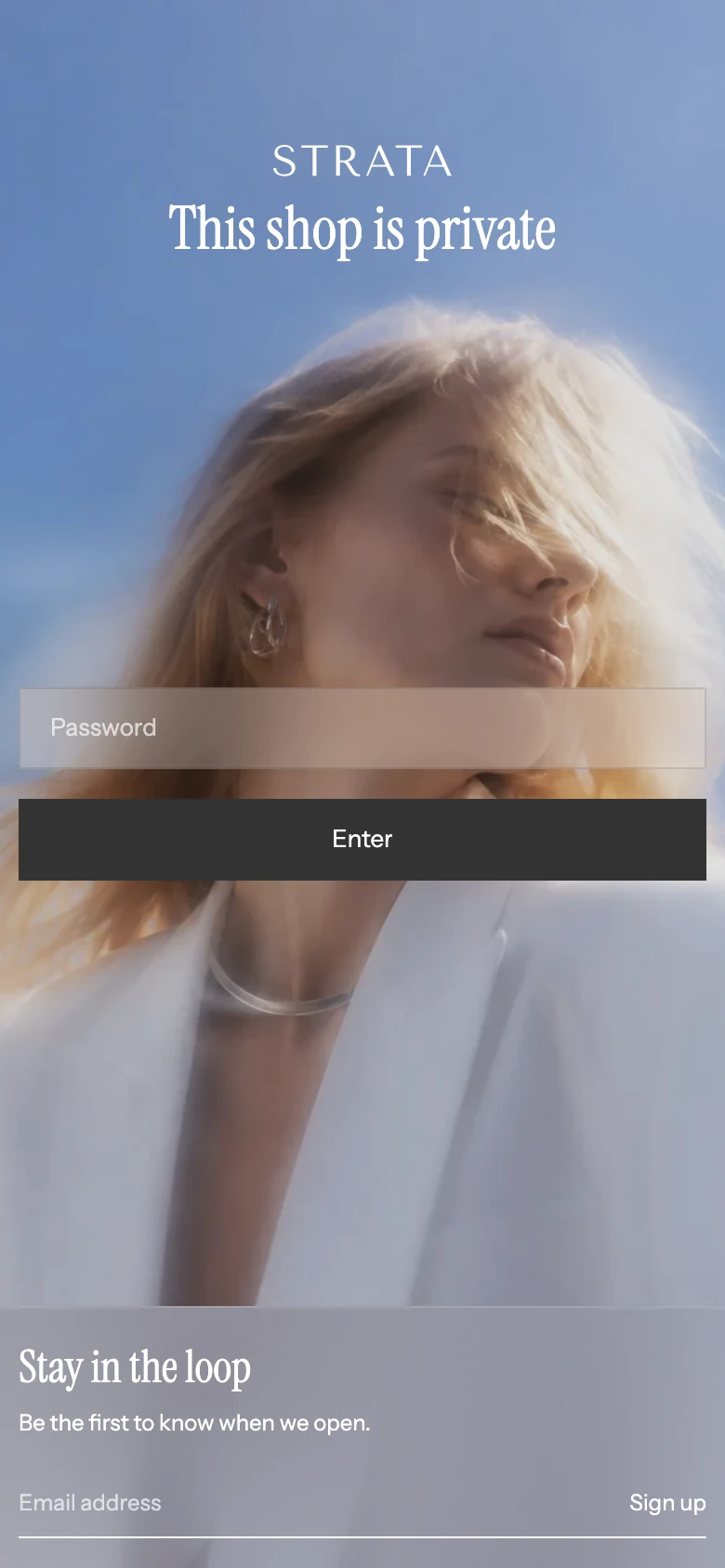
The Password template on mobile.
Accessibility and motion
The password and email fields have accessible labels, and form errors and success messages are announced. Keep text contrast strong over the selected media, verify visible keyboard focus, and check the page with reduced motion.
Common checks
| Symptom | Safe check |
|---|---|
| The password message does not change | Edit Shopify’s storefront password message rather than looking for a Strata text field. |
| The mobile crop is wrong | Add Mobile background image and review its focal point; blank reuses the desktop image. |
| Overlay controls are missing | Select Background image first. |
| The newsletter fields are missing | Enable Show email signup. |
| The wrong logo appears | Check Logo and the Dark and Light logo assets in Theme settings. |
| The password form is absent | Confirm storefront password protection is enabled and the Password template is being previewed. |