
Strata

Theme settings

Understand the global design and behavior settings in Strata.

Theme settings define the shared visual and behavioral foundation of a Strata storefront. In Shopify’s Theme Editor, open Theme settings to change values that should remain consistent across templates.

Settings in Theme Editor order
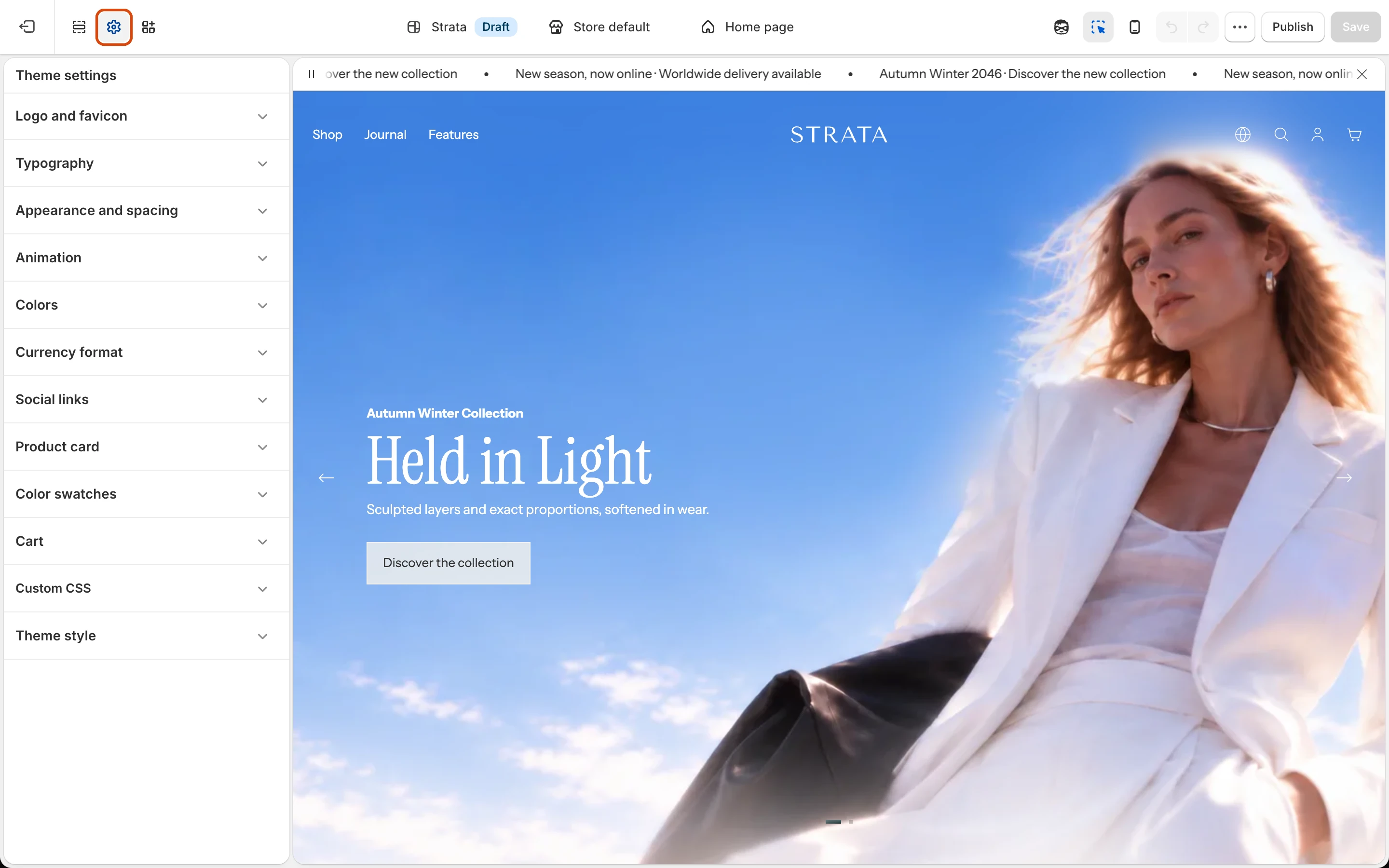
The Theme settings panel in the Theme Editor listing each settings group.

Select the gear icon to open Theme settings. The groups below follow this order.

Strata provides these Theme settings groups:

The list follows the order shown in the Theme Editor.

Work safely

Review global changes
A Theme setting can affect several templates and sections at once.
  • Multiple templatesPreview global changes on more than one template before publishing.
  • Light and dark mediaCheck surfaces where Header or overlay colors can change.
  • Desktop and mobileRetest both layouts after changing type scale or spacing.
  • Accessible statesKeep contrast, keyboard focus, and reduced-motion preferences usable.

Search documentation

Search across the Strata guide