
FAQ helps visitors resolve common questions without leaving the page. Group related questions together and keep each answer focused on one issue.
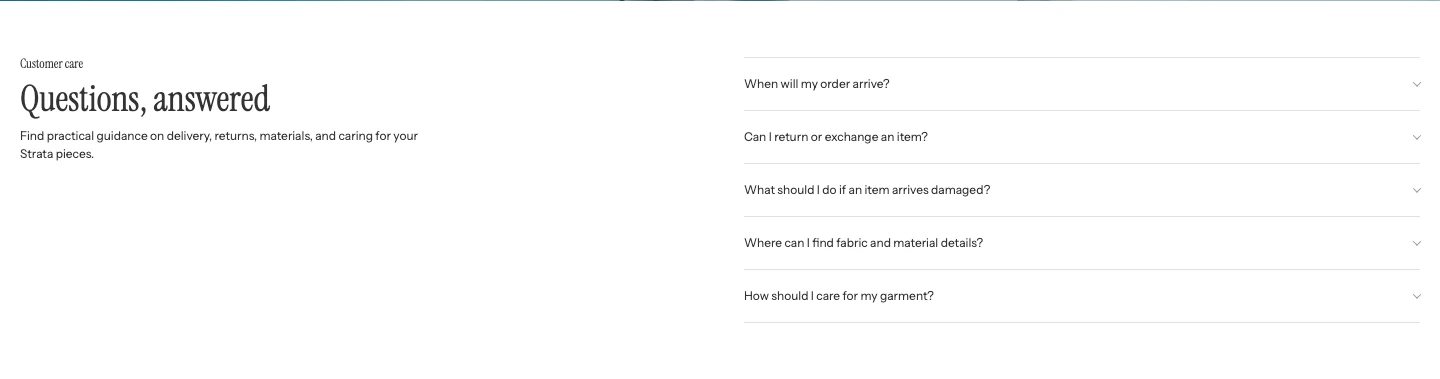
FAQ on desktop: the introduction sits beside the question list.
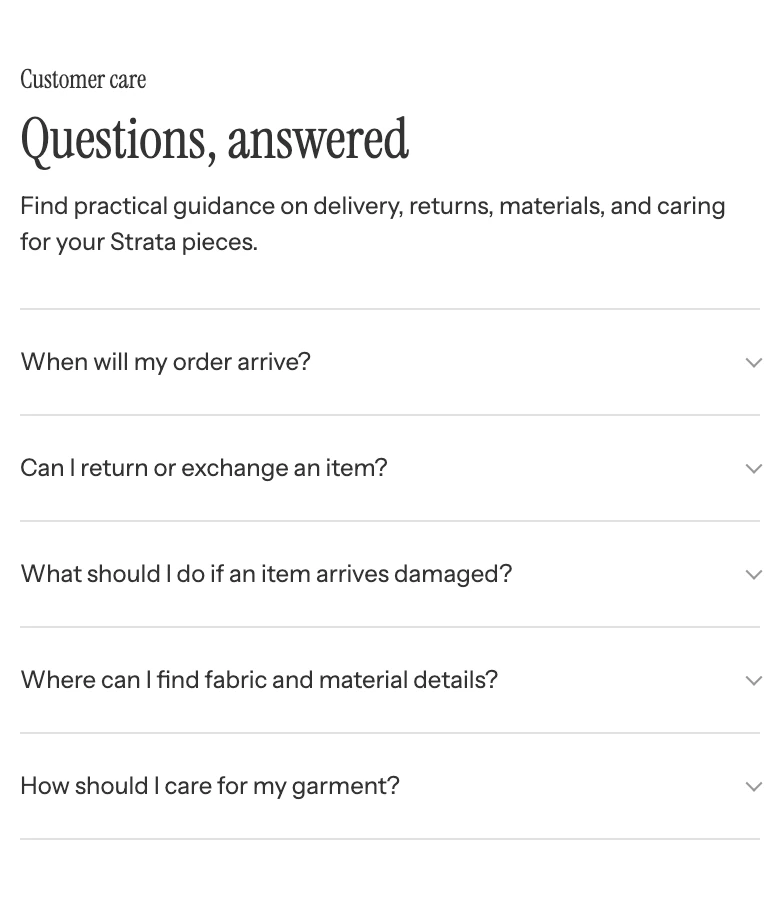
On mobile the introduction moves above the questions.
Add FAQ
In Shopify's theme editor, add FAQ to a compatible template or open an existing FAQ section. The section is not available in header, footer, or overlay groups.
Content
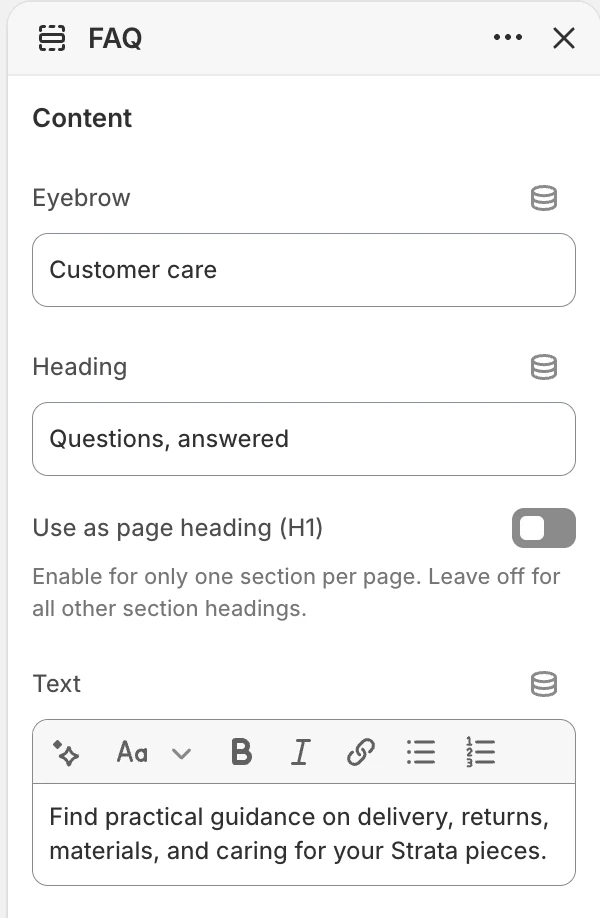
The Content group in the Theme Editor. The values shown are examples, not defaults.
| Setting | What it controls | Options or default |
|---|---|---|
| Eyebrow | Optional short label above the section heading. | No default. |
| Heading | The main introduction to the FAQ. | Default: Frequently asked questions. |
| Use as page heading (H1) | Makes this Heading the main title of the page. Turn it on in one section only. | Off |
| Text | Optional rich text that introduces the questions. | No default. |
Keep the introduction short. The group headings and questions provide the page's detailed structure.
Layout
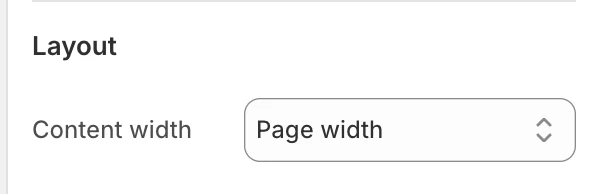
The Layout group in the Theme Editor.
| Setting | What it controls | Options or default |
|---|---|---|
| Content width | Sets the maximum width of the FAQ content. | Narrow, Medium, or Page width. Default: Medium. |
Choose Narrow for a short, highly readable list and Page width when group headings or answers need more room. Review the result with the longest answer at desktop and mobile sizes.
Colors
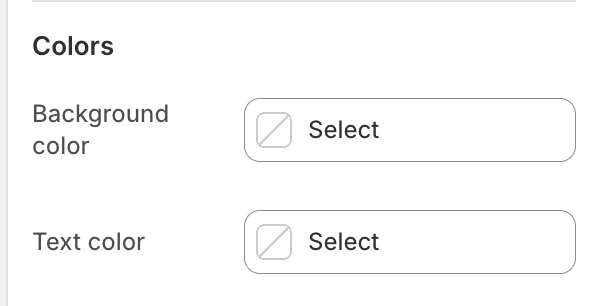
The Colors group in the Theme Editor.
| Setting | What it controls | Default |
|---|---|---|
| Background color | The section surface behind the heading and question groups. | Leave blank to inherit Theme settings > Colors > General; selecting a color in this section overrides the inherited value. |
| Text color | The section's primary text color. | Leave blank to inherit Theme settings > Colors > General; selecting a color in this section overrides the inherited value. |
Review long questions, links, and expanded answers against both chosen colors.
Spacing
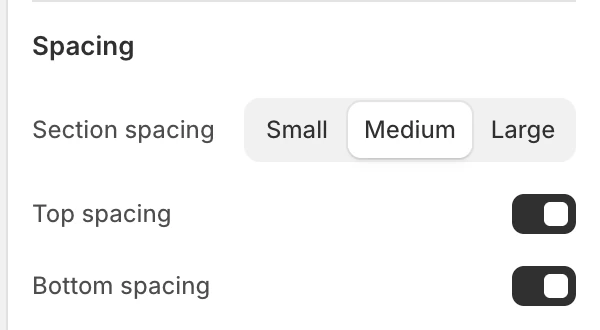
The Spacing group in the Theme Editor.
| Setting | What it controls | Options or default |
|---|---|---|
| Section spacing | Chooses the section's spacing scale. | Small, Medium, or Large. Default: Medium. |
| Top spacing | Adds or removes the section's top spacing. | Enabled by default. |
| Bottom spacing | Adds or removes the section's bottom spacing. | Enabled by default. |
Use the top and bottom switches when the FAQ sits directly beside another section that already supplies spacing.
FAQ groups and questions
The outer section accepts up to 12 FAQ group blocks. The Theme Editor block order is the visitor's group order. Each group contains nested FAQ drawer blocks.
FAQ group
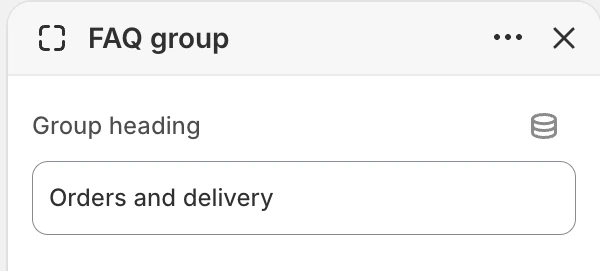
FAQ group block settings.
| Setting | What it controls | Default |
|---|---|---|
| Group heading | Labels a related set of questions. | General questions. |
Add groups in the order you want visitors to scan them. The preset starts with two groups and two questions in each group, but the preset is only a starting point.
FAQ drawer
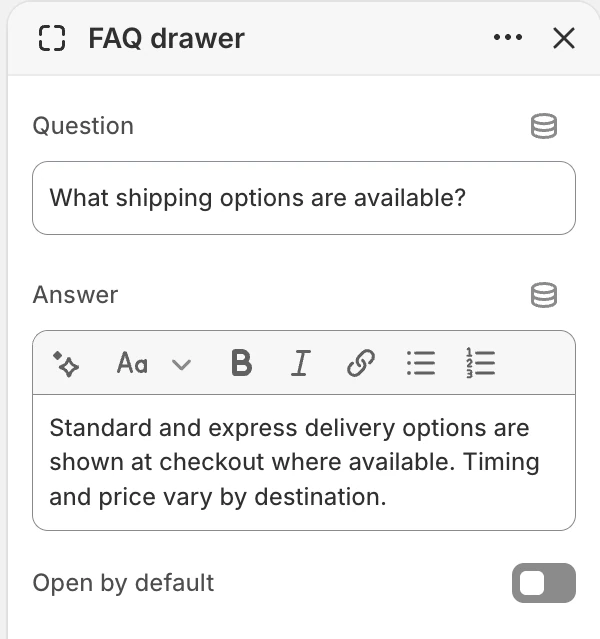
FAQ drawer block settings.
| Setting | What it controls | Default |
|---|---|---|
| Question | The clickable question shown in the drawer summary. | Question. |
| Answer | Rich text revealed below the question. | Add a clear, helpful answer for customers. |
| Open by default | Opens this answer when the page first loads. | Disabled. |
Each drawer is a native expandable question-and-answer control. Open by default applies to that drawer only; it does not make every question open. Avoid opening many long answers by default because it makes the initial page harder to scan.
Writing and accessibility
- Put one customer question in each drawer and answer it before adding exceptions or links.
- Keep policy links current and state the market or product scope when it matters.
- Use a meaningful Group heading even when the page has only one group.
- Test opening and closing with keyboard and touch input. The question must remain understandable when the answer is collapsed.
- Check visible focus, heading order, link labels, and contrast in the expanded state.
Common issues
| Symptom | Safe check |
|---|---|
| A question is not visible | Confirm its FAQ drawer still exists inside the intended FAQ group and that the group is in the expected order. |
| The answer is visible on first load | Check Open by default for that drawer. |
| The section feels too wide or crowded | Try Content width or shorten the introduction before changing individual answers. |
| A group has no useful label | Set Group heading instead of relying on question text to provide the category. |